HOTEL HELP · DIGITAL GUEST INFORMATION
Guest guidance.
Always at hand.
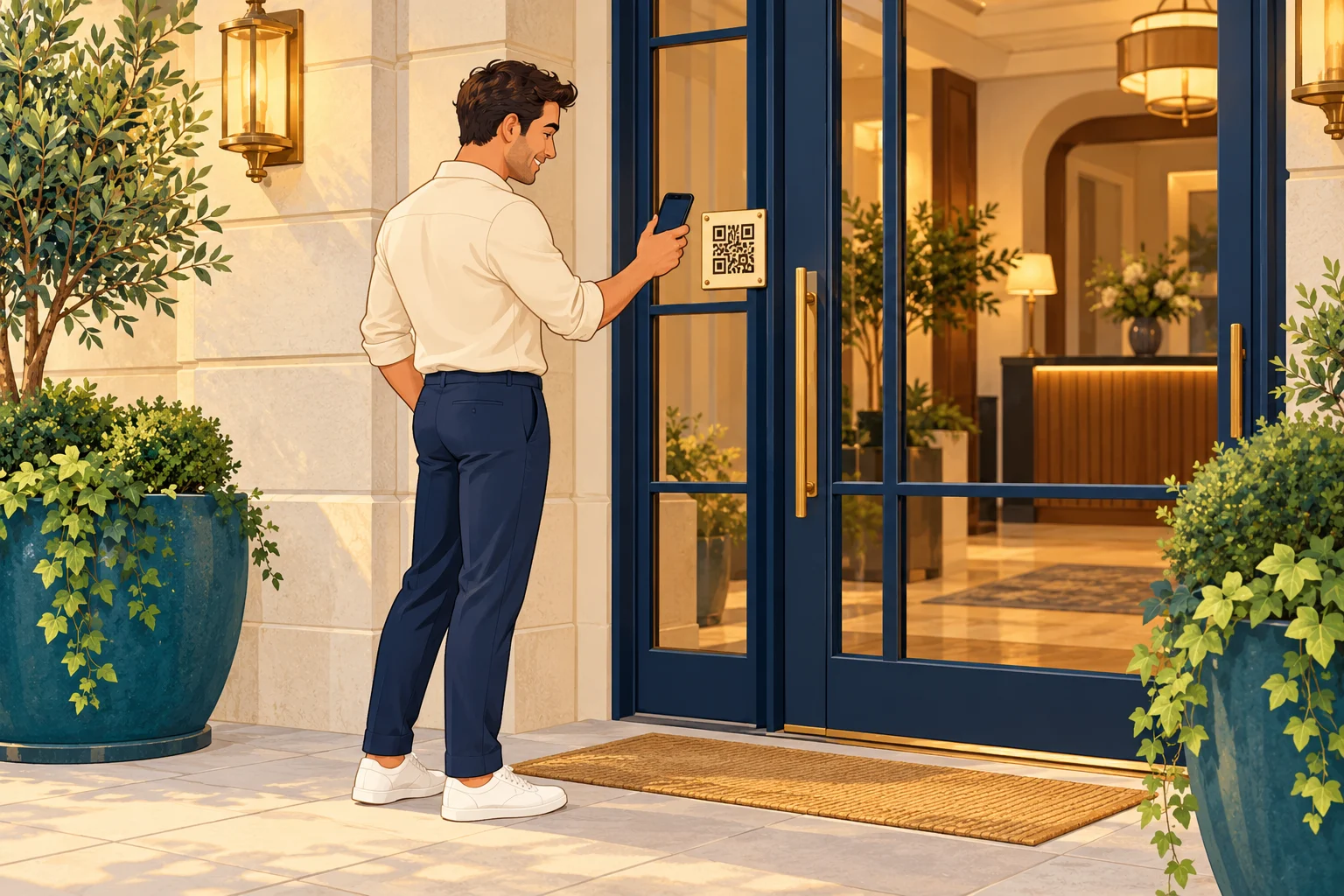
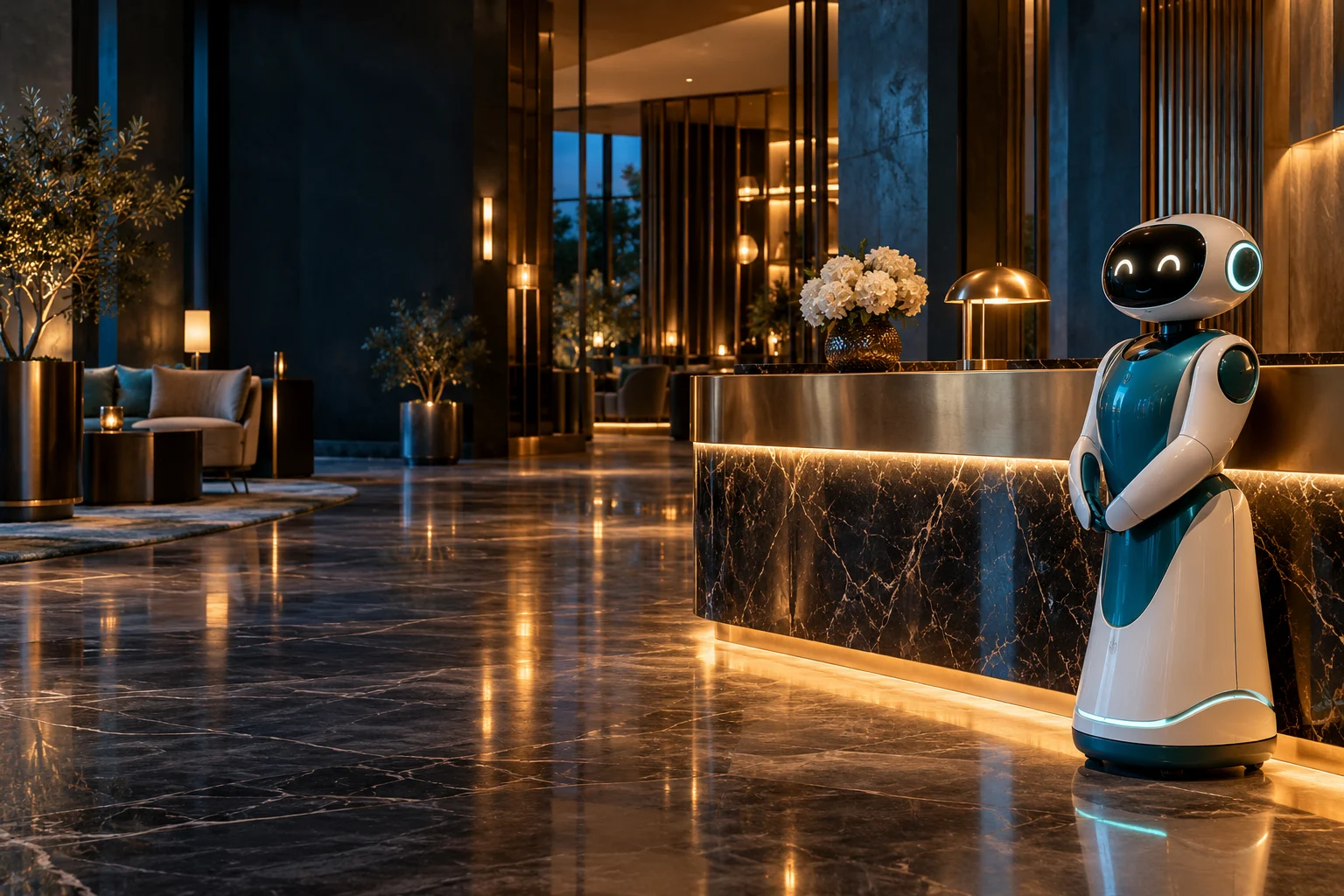
RobotReci helps even when the receptionist is away. Guests scan a QR code and get information for that location in their own language.
QR
No app to install
Hotel · Apartment · Guesthouse
One hotel. Three different QR points.
Each QR code identifies where the guest scans it. Guests only see information relevant to that location.
Scan a QR code or tap an image to open the demo.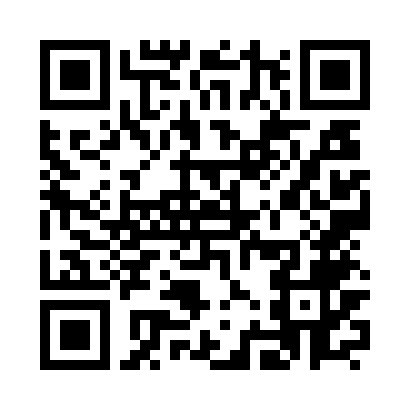
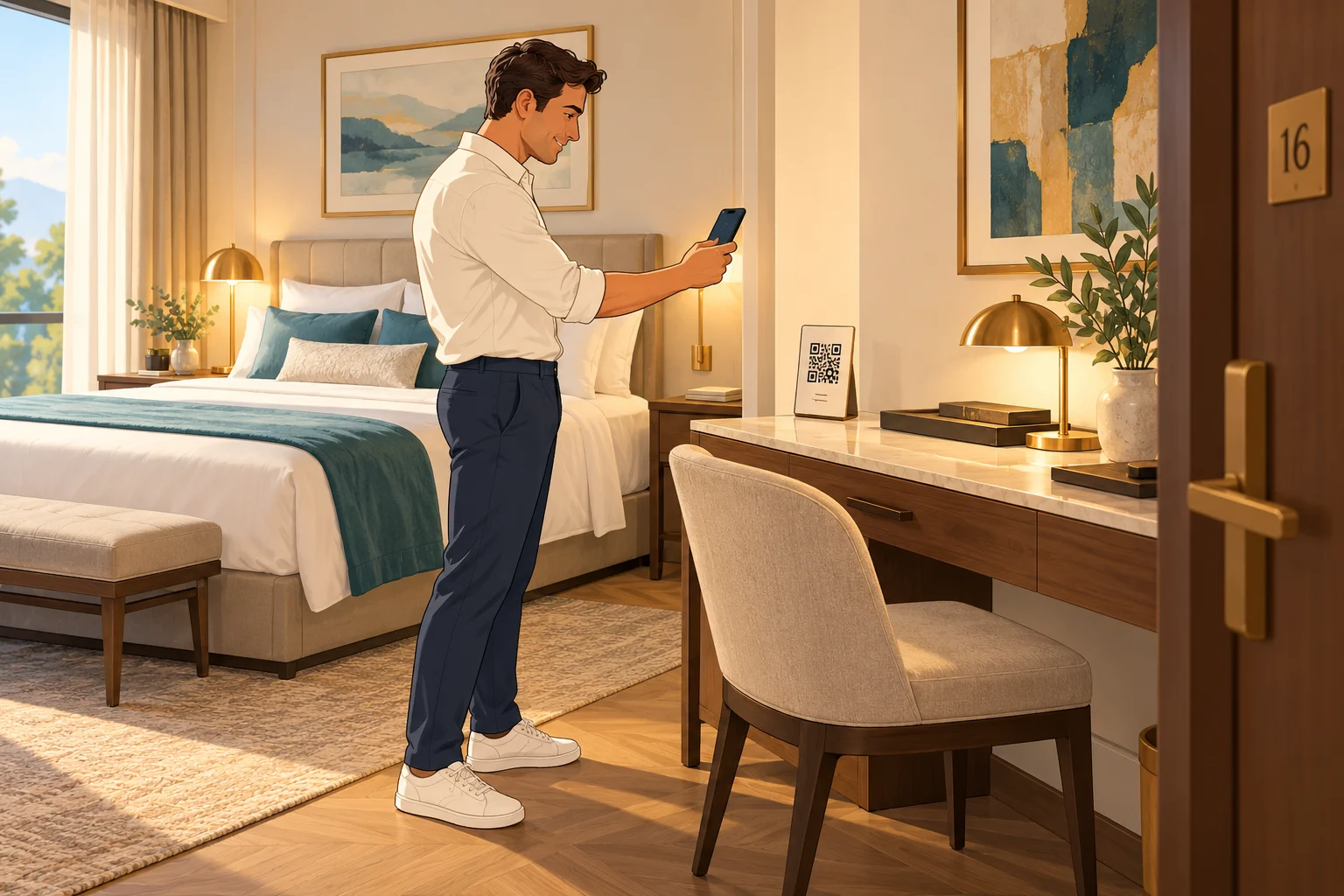

Available 24/7Multilingual contentNo app to install
01 / HOTEL HELP
One QR code. Three simple steps.
From the entrance to the room, each location displays the information guests need there.
Scan
Guests scan the displayed QR code with their phone camera.
Choose a language
The flag selector lets guests choose their language. No app is needed.
Get help
Text, images or video explain what guests need to know at that location.
02 / ROBOTRECI
Less searching.
A calmer arrival.
Easy-to-find answers to recurring questions. Your team has more time to welcome guests personally.
Access and key safe
Arrival instructions, door access and key collection guidance.
Wi-Fi and room equipment
Network information and instructions for the television or air conditioning.
Breakfast and services
Opening hours, parking, house rules and current information.
Information in the right place
Separate content for entrances, rooms and shared spaces.
DEMO HOTEL
See it as a guest.
Explore the Demo Hotel guest interface: language flags, menu icons and information linked to each location.
The demo contains fictional sample information.Frequently asked questions
Do guests need to install an app?
No. After scanning the QR code, guests use the interface in their phone browser. An internet connection is required.
Does every QR code show the same information?
No. The QR point identifies the location, so entrances, rooms and shared spaces show the relevant information.
What types of content can be displayed?
Text instructions, images and video. Content can be managed for each language to help international guests.
Can hotels and apartments both use it?
Yes. Locations and topics can be adapted to the way each property operates.
Does the demo include live AI chat?
The demo chat searches the included sample topics. It does not use a live AI service.
More solutions
Online check-in
Multilingual guest data collection to prepare for arrival.
Time tracking
QR-based clock-in and clock-out, administration and reports.
These are separate products and are not included in the Hotel Help demo.